Automation & Integrations
Fewer manual steps.
Most businesses lose hours a week moving data between systems by hand. We map the workflow, connect the tools that should have been talking to each other, and build the small internal apps that close the gaps neither system covers.
- Business Automation
- Workflow Automation
- CRM Integrations
- ERP Integrations
Automation & Integrations
- 01Business Automation
- 02Workflow Automation
- 03CRM Integrations
- 04ERP Integrations
- 05Payment Integrations
- 06API Integrations
- 07Third-Party Integrations
- 08Internal Business Tools
Selected Automation Work
01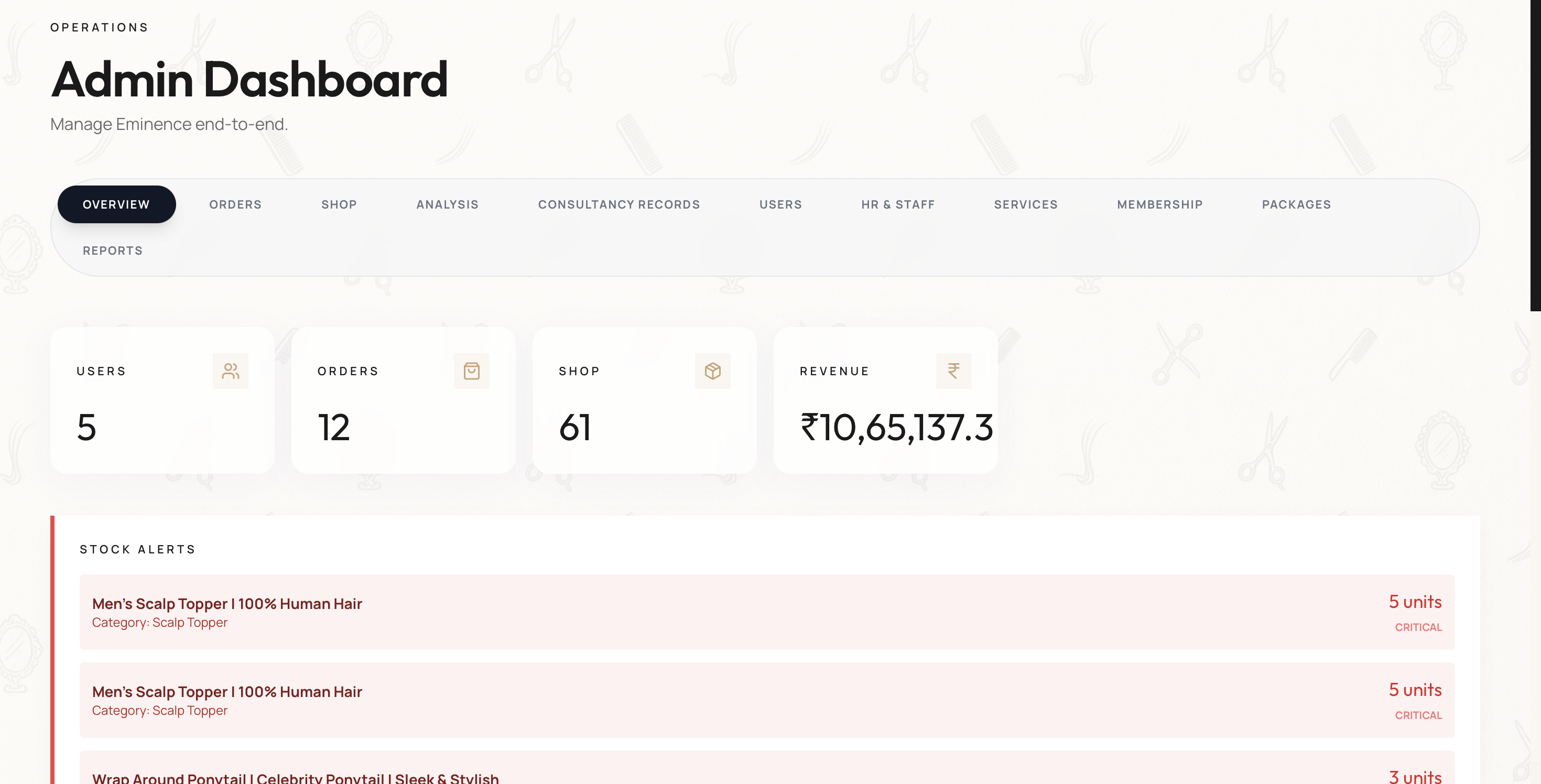
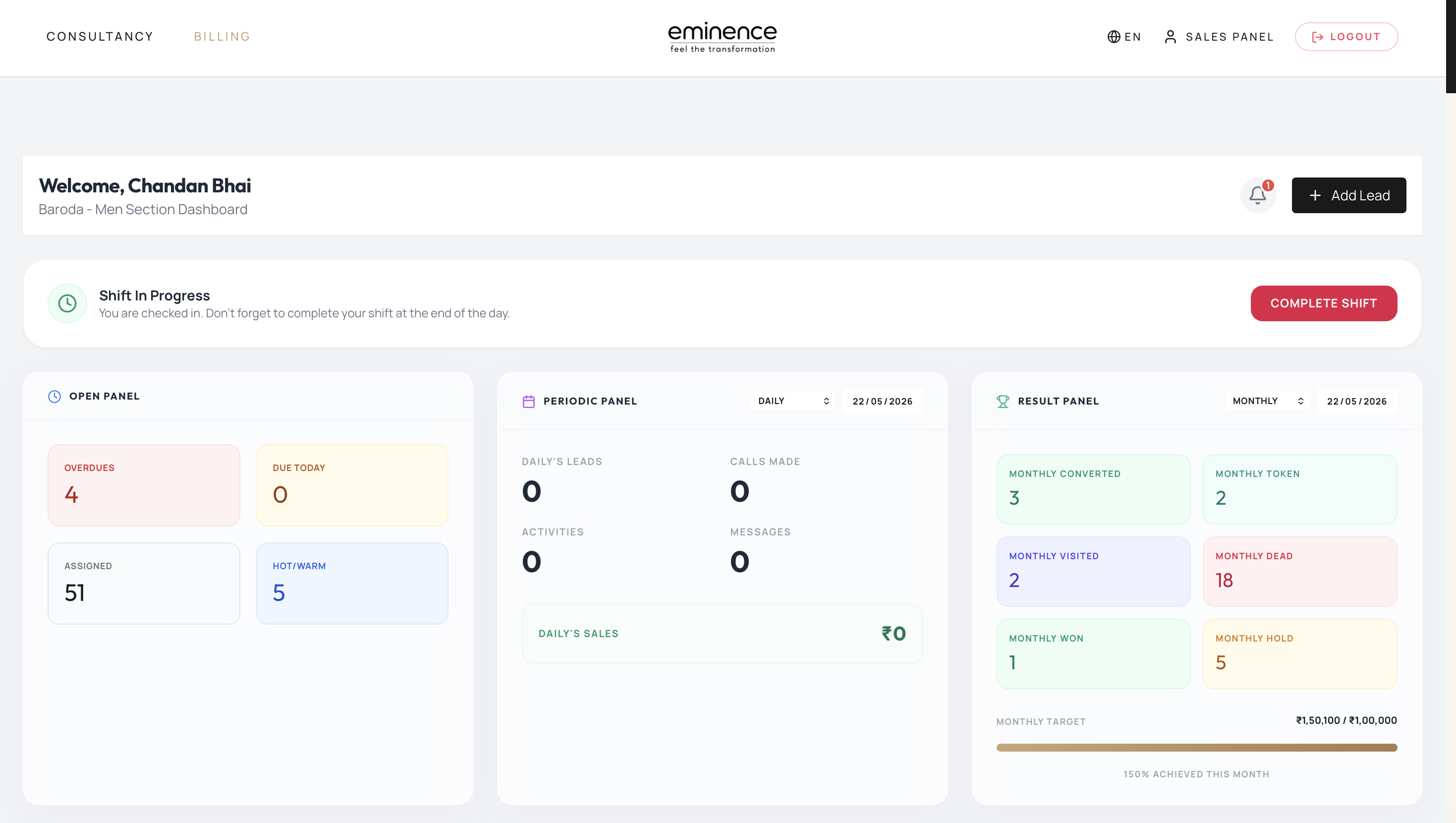
CRM Dashboard — view case study
Same rhythm, every build.
However different the output, the delivery loop is the same: agree the scope in writing, prototype it, ship it, then stay on.
- Day 0–101
Lock In
Kickoff call, scope alignment, and a written brief. We agree on outcomes before we touch a pixel.
- Day 2–602
Sketch
Wireframes, moodboards, and a clickable Figma. Two rounds of feedback baked in. No surprises.
- Day 7–1403
Ship
Production build with real content, performance budgets, and accessibility checks. Live before deadline.
- Ongoing04
Iterate
Post-launch we ride along — analytics review, copy tweaks, perf monitoring. Care doesn't end at deploy.
Let's build your Automation project.
Tell us what you're making. Real humans, back within 24 hours.